Apartment Building Access Control Systems (2025)
Key Takeaways
- Outdated Tech, New Packaging: Today's sleek callboxes still run on the same expensive, failure-prone hardware they always have.
- High Costs & Unreliability: Callboxes come with massive installation fees and a never-ending cycle of maintenance calls for fried circuit boards, broken screens, and faulty wiring.
- Profitable for Vendors, Not for You: Vendors push callbox hardware because it's high-margin and locks you into their proprietary ecosystem for years of profitable service calls.
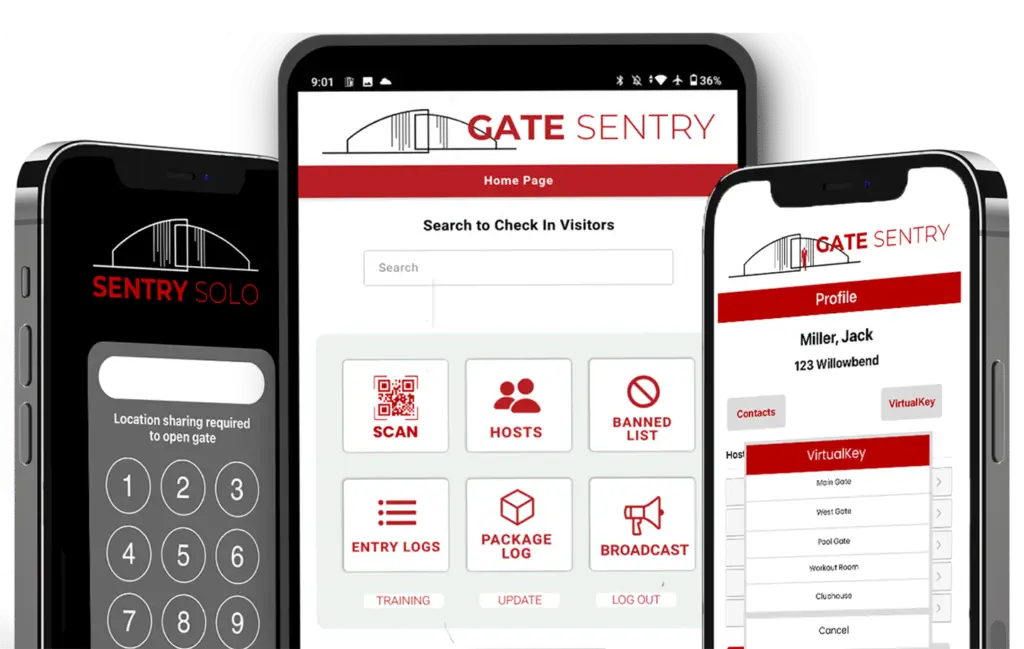
- The Smarter Alternative is Here: Sentry Solo by Gate Sentry is a fully hardware-free, mobile-first solution that eliminates callboxes entirely for a more reliable and cost-effective system.
We’ve all seen it: a delivery driver stuck at the gate, frantically scrolling through a directory on a callbox, hoping someone—anyone—picks up. Meanwhile, a line of frustrated residents forms behind them.
For years, callboxes have been the default gate entry system for multifamily properties and gated communities. Vendors have given them touchscreens and a facelift, but don't be fooled. Behind the sleek glass is the same outdated, hardware-dependent technology that causes delays, frustrates residents, and costs a fortune to maintain.
Here’s the ugly truth about why these systems persist and why it's time for a smarter upgrade.
The Core Problems with Modern Callbox Systems
Even the newest callboxes are plagued by the same fundamental issues that have existed for decades.
1. High Installation Costs are Unavoidable
A callbox is not a simple device; it's the tip of an expensive infrastructure iceberg. The initial quote for the hardware rarely tells the full story.
Beyond the Hardware: A Breakdown of Installation Costs
- Trenching & Concrete Work: Running power and communication lines requires digging up your property, which is invasive and costly.
- Specialized Labor: You need to hire and coordinate electricians and low-voltage contractors.
- Permits & Compliance: Depending on your municipality, you may need to secure permits for the electrical and construction work.
- Landscape Repair: After the trenching is done, you're left with the bill to repair damaged landscaping, asphalt, or concrete.
2. Constant Maintenance and Unreliability
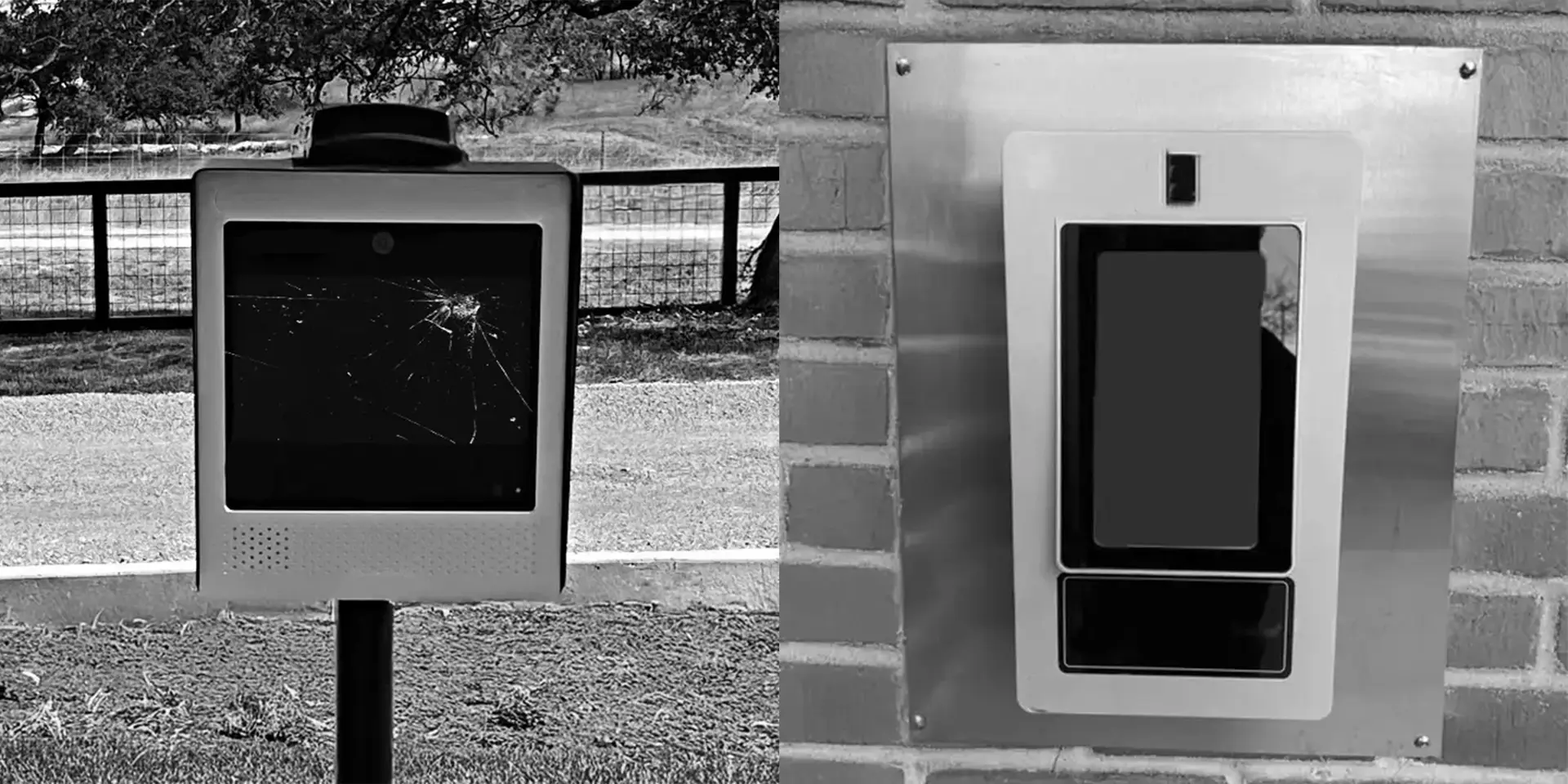
Outdoor hardware is destined to fail. Callboxes are exposed 24/7 to the Texas heat, sudden freezes, and moisture, leading to a predictable cycle of breakdowns that create security risks and unpredictable expenses. When your callbox fails, you're left with a major security vulnerability. Do you prop the gate open? Or leave it shut, blocking all visitor and delivery access?
Common Points of Callbox Failure:
- Circuit boards fry in the summer heat.
- Touchscreens crack or become unresponsive.
- Buttons stick and internal wiring corrodes from moisture.
- Cellular modems or phone lines fail, cutting off communication.
Each failure requires a paid service call, turning your access control system into an unpredictable operational expense that wreaks havoc on your budget.
3. A Frustrating Experience for Everyone
Ultimately, a system is only as good as the experience it provides. For callboxes, that experience is often poor for residents, guests, and staff alike.
- One-at-a-Time Bottlenecks: Callboxes can only serve one guest at a time, creating long entry lines during peak hours.
- The Package Delivery Nightmare: Delivery drivers can't get in, leading to failed deliveries, packages left outside the gate, and frustrated residents.
- Unanswered Calls: Residents miss calls when they are busy, away, or have their phone on silent, leaving legitimate visitors stranded.
A Head-to-Head Comparison: Traditional Callbox vs. Sentry Solo
| Feature | Traditional Callbox | Sentry Solo (Hardware-Free) |
|---|---|---|
| Installation | Expensive: Requires trenching, wiring, labor, and permits. | None: A simple sign with a QR code. Up and running in minutes. |
| Maintenance | Constant: Prone to weather damage and hardware failure. | Zero: No physical hardware at the gate to break, repair, or replace. |
| Visitor Experience | Slow: Causes lines, missed calls, and confusion. | Instant: Scan, enter PIN, and go. No delays. |
| Security & Tracking | Limited: Often logs only a "buzz-in," not the specific visitor. | Robust: Tracks every unique guest PIN, providing a clear audit trail. |
| Reliability | Fails during internet or power outages. | Stays Online: Cloud-based system with offline functionality. |
| Total Cost | High upfront cost + unpredictable ongoing maintenance fees. | Low, predictable subscription fee. No hidden hardware costs. |
The Real Reason Vendors Still Push Outdated Callboxes
If callboxes are so flawed, why do vendors continue to sell them? The answer is simple: it's a profitable business model based on hardware. It's like the old printer-and-ink-cartridge trick: sell the main device, then profit for years from the high-margin service calls and proprietary parts needed to keep it running.
- High-Margin Hardware Sales: Vendors make significant profit on the physical callbox itself.
- Breakage Equals Recurring Revenue: Every failure is another invoice for your property.
- Proprietary Lock-In: These systems lock you into their ecosystem, making it difficult and expensive to ever switch.
The Future is Hardware-Free: Rethink the Callbox Entirely
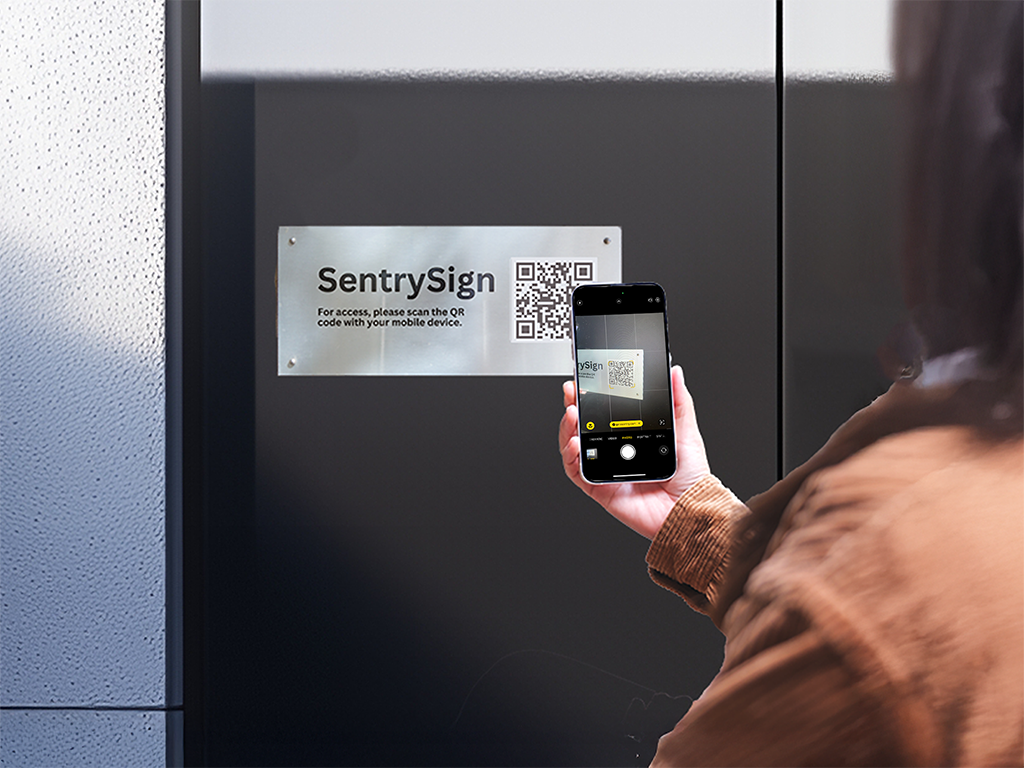
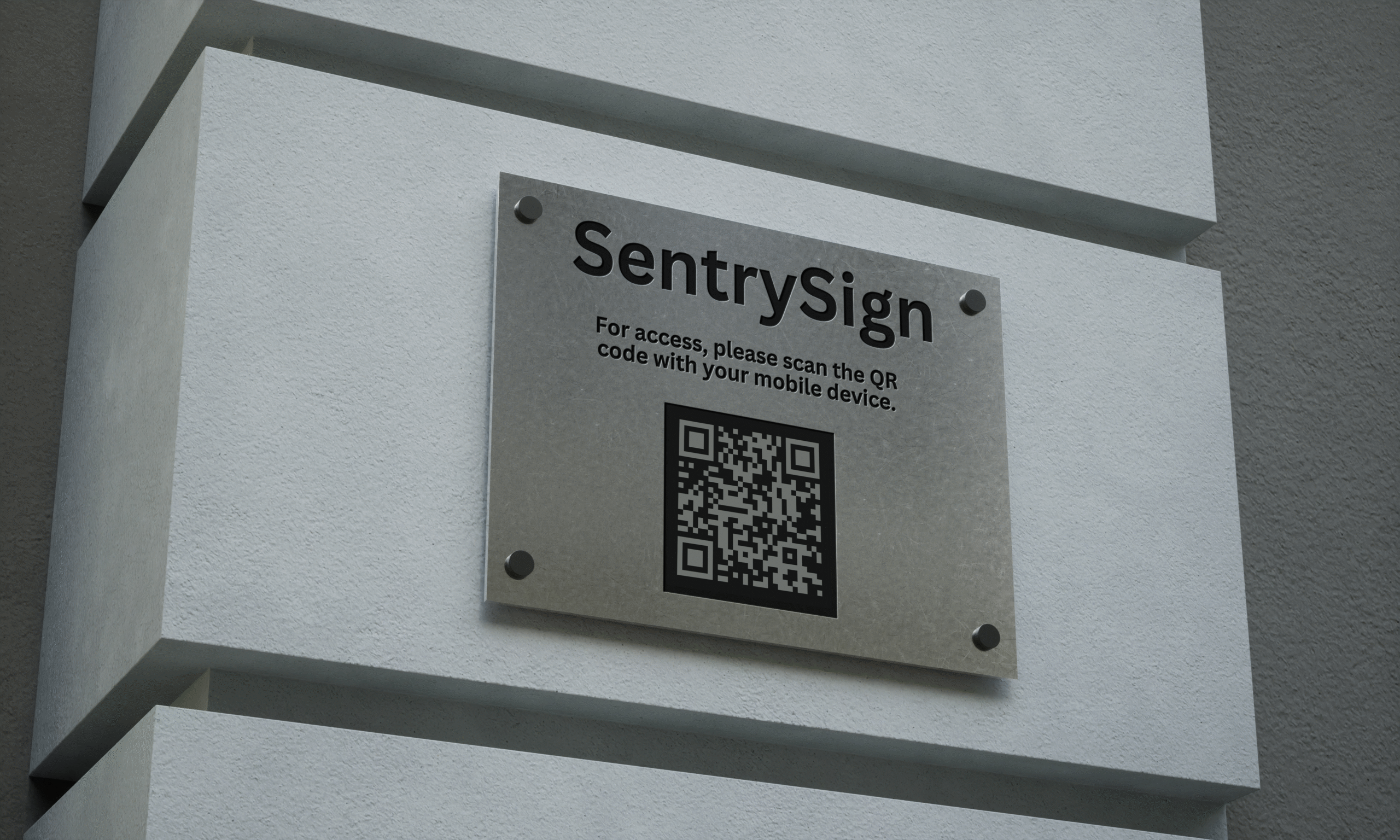
You don't have to be trapped in the cycle of expensive installs and frustrating maintenance. Sentry Solo replaces clunky hardware with a simple QR code. When visitors arrive, they scan the code with their phone, enter a guest-specific PIN, and the gate opens.
It's a smarter, more reliable, and far more cost-effective way to manage access. If you’re considering an upgrade, don’t just replace your callbox—rethink the need for one at all.
Ready to Replace Your Outdated Callbox?
Discover how Sentry Solo's hardware-free solution can enhance security, reduce costs, and eliminate headaches for your community.
Request a Free Demo