
How Golf Communities Manage Access During Rental Season
For a lot of golf communities, winter brings more than just seasonal residents. It also brings renters.
Homeowners who only live in the community part of the year may rent out their properties while they're away, which means management has to keep track of who's living in each home and who should be able to manage visitors.
We were talking with a club manager at a golf community where this happens regularly.
She explained that renters currently get "their own login and their own guest list and everything," with a separate account set up whenever someone new moves in.
One of her first questions about Gate Sentry was whether we could do the same thing without interfering with the homeowner's account.
And it makes sense why she'd ask.
If a homeowner rents out their property every winter, management shouldn't have to delete their account, create a new one for the renter, and then go through the process again when the homeowner returns.
That's a lot of account changes for something that happens every year.
What Happens When Rental Season Starts?
Think about a golf community where several homeowners rent their properties from January through March.
During that time, management may have dozens of renters arriving within a few weeks of each other.
Each renter needs to be able to get into the community, add guests, and schedule vendors. At the same time, the homeowners still need to remain associated with their properties.
And once those rentals end, management has to make sure the right accounts are active again.
For a community that deals with this every winter, the process can become pretty time-consuming, especially if the access control system requires a lot of manual changes.
The club manager we spoke with already had a system where renters could manage their own guest lists. She wasn't looking to change that.
She just wanted to know that moving to Gate Sentry wouldn't create problems for homeowners or make her team's job more difficult.
Renters Need Their Own Guest Lists
Let's say someone rents a home in the community for three months.
They may have family coming to stay for a weekend, friends visiting for dinner, or a cleaning company that comes every Tuesday.
The renter should be able to manage those visitors themselves.
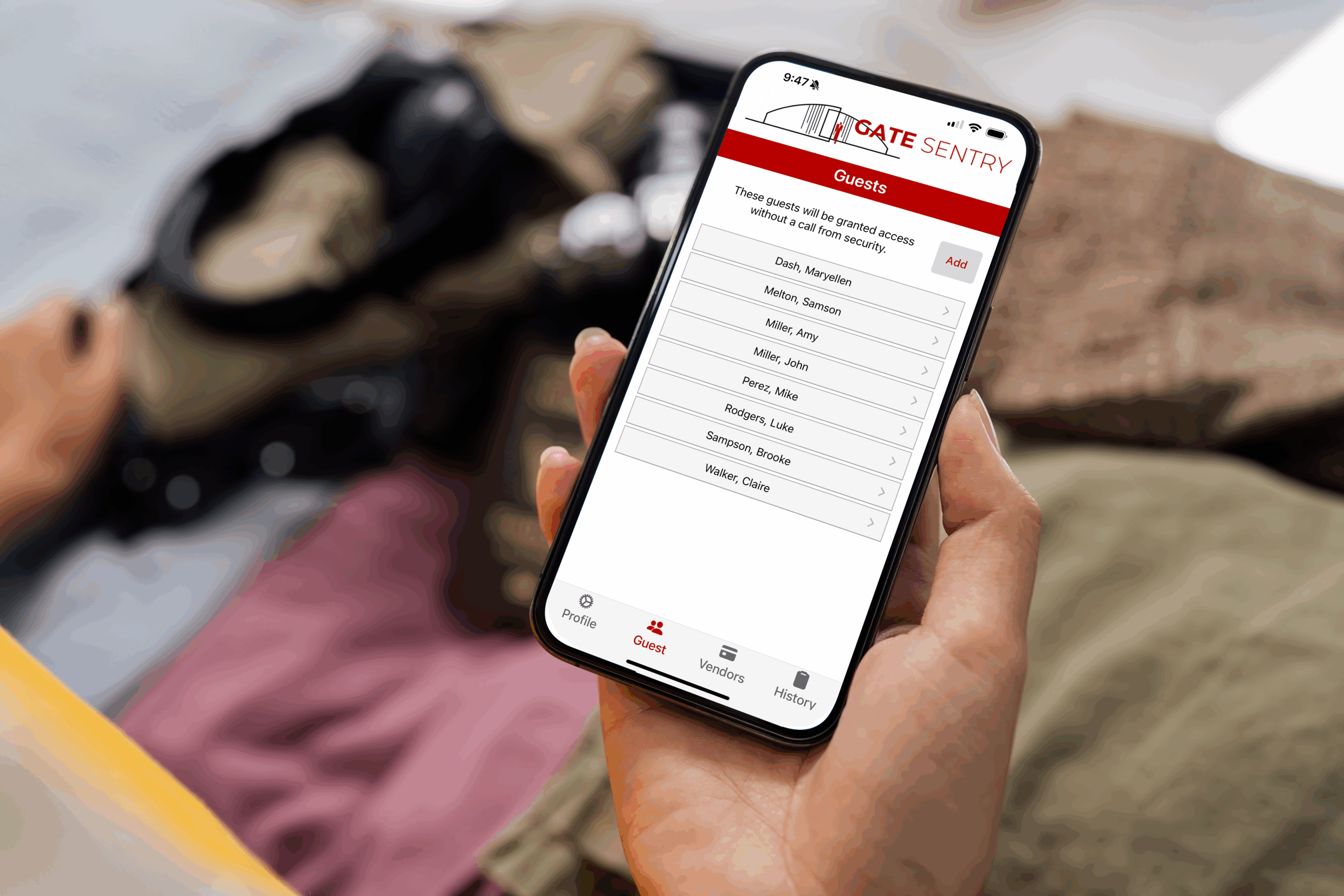
With Gate Sentry's Tenant feature, renters receive their own accounts and can add guests and vendors through the app or web portal.
They don't need the homeowner's login, and they don't have to call the management office every time someone is coming over.
Their guest list is separate from the homeowner's, so the two aren't sharing the same visitor information.
It's a fairly simple concept, but it makes a big difference when the person living in a home changes throughout the year.
The Homeowner's Account Doesn't Disappear
This was the part the club manager was most interested in.
When a tenant is added in Gate Sentry, the homeowner stays connected to the property.
Management doesn't need to delete their account or replace it with the renter's information.
Instead, the tenant has their own account for the duration of the rental.
When the tenancy ends, the renter's access and associated guest and vendor permissions are removed, and the homeowner can resume managing their visitors.
That way, the next time the homeowner comes back to the community, they don't need to start over with a completely new account.
And if they decide to rent the property again the following winter, management can add the next tenant without affecting the homeowner's information.
How Management Sets It Up
We also wanted adding a tenant to be easy for the people managing these properties.
In Gate Sentry's admin portal, an authorized administrator selects the property address, adds the new user, and chooses Tenant as the account type.
The tenant receives their account setup information and can start managing their own visitors.
The whole process happens within the existing property record, so management doesn't have to create a new property or remove the homeowner.
When the rental ends, the tenant's access can be managed through the same system.
For communities that have renters arriving and leaving throughout the season, keeping everything in one place can make those transitions much easier.
What About the Next Rental Season?
Another thing to consider is what happens when the same home is rented out again.
Maybe a homeowner rents their property to one couple this winter and a different family next year.
Those renters shouldn't be using the same login or inheriting each other's guest lists.
Each tenant needs their own account, even though they're staying at the same address.
Gate Sentry allows management to add a new tenant while keeping the homeowner's account in place.
This means the next renter starts with their own access and visitor list, rather than using information left over from the previous rental.
For communities that go through this process every season, it's one less thing management has to sort out.
Making Seasonal Rentals Less Complicated
The question from the golf community manager was a pretty practical one.
She already had a process that worked for her renters and wanted to make sure that switching systems wouldn't take away that flexibility.
Renters needed their own logins and guest lists. Homeowners needed to keep their accounts. And management needed a way to handle the changes without creating more work.
That's what Gate Sentry's Tenant feature was built to support.
Whether a homeowner rents out their property for a few months every winter or the community has rentals changing throughout the year, the goal is to make those transitions easier for everyone involved.
For a broader look at long-term, short-term, and shared rentals, see our guide to managing renters and short-term tenants.
See How Gate Sentry's Tenant Feature Works
Does your community deal with seasonal rentals? We'd be happy to show you how Gate Sentry manages tenant accounts and guest lists while keeping homeowner accounts intact.
Schedule a Demo