
Residential Access Control Systems: Options and Tradeoffs

A resident loses their gate remote and needs a replacement. Someone moves out but still has a pool fob. A delivery driver has been using the same gate code for two years.
These are the kinds of access issues property managers deal with regularly.
And they're often what gets a community thinking about replacing its system.
Residential access control covers the equipment, software, and procedures used to manage who can enter a property's gates, doors, and amenities.
That includes everything from traditional gate remotes and keypads to license plate readers and mobile access.
Each option works differently, and there's no single system that's right for every community.
Here's what to consider when comparing them.
Why Communities Usually Switch
In our conversations with HOA boards and property managers, communities rarely want to replace their access control system just because something newer is available.
Usually, there's already a problem.
Maybe the gate equipment keeps breaking down. The software is difficult to use. The vendor takes too long to respond when something stops working.
Sometimes the system still works, but managing it has become more trouble than it should be.
A few concerns come up regularly:
- Residents losing fobs and needing replacements.
- Gate codes being shared with people who no longer need access.
- Former residents keeping credentials after moving out.
- Different entrances requiring different cards, remotes, or accounts.
- Management having trouble finding previous visitor information.
Residents notice these problems too.
Someone might have a remote for the main gate, a code for the back entrance, and a separate fob for the pool.
It's manageable until one of those credentials gets lost or stops working.
That's often when communities start looking at other options.
What Residential Access Control Has to Handle
A residential property has several groups of people using its entrances.
Residents come and go every day. Guests visit family and friends. Vendors arrive for cleaning, landscaping, repairs, and other services.
Deliveries need to reach the right homes.
Some properties also have renters whose access should only remain active during their lease or authorized stay.
Each group may need different permissions.
A homeowner might need access to the main gate and every amenity.
A landscaping company may only need the service entrance during weekday hours.
Someone visiting for the weekend shouldn't necessarily have permission to enter the pool or clubhouse.
And a former tenant shouldn't continue using the property after their authorized access ends.
The challenge is managing those permissions without making access unnecessarily complicated for everyone.
The Main Types of Residential Access Control
Communities have several options, and many properties use more than one.
| System | How it works | What to consider |
|---|---|---|
| Key fobs and cards | Residents present a physical credential to a reader | Lost credentials, replacements, sharing, and reader maintenance |
| Keypads and gate codes | A person enters an authorized code | How codes are assigned, shared, changed, and removed |
| Callboxes and intercoms | Visitors contact someone who can authorize entry | Hardware maintenance, directories, and what happens when nobody answers |
| License plate recognition | Cameras read license plates associated with access permissions | Plate recognition accuracy, privacy considerations, and vehicle-based authorization |
| Mobile access | Authorized users open entrances or receive credentials through their phones | Smartphone availability, connectivity requirements, and alternative access procedures |
None of these methods is automatically the best choice.
Callboxes can provide a way for unexpected visitors to contact residents.
Mobile access can reduce the need to distribute and replace physical credentials.
The right setup depends on the entrance and the community's priorities.
A staffed main gate may need visitor management software, while a pedestrian entrance might only need a way for residents to open the gate.
For more on vehicle-based credentials, see our comparison of license plate readers.
Staffed Entrances vs. Unmanned Entrances
One of the biggest things to consider is whether the entrance has a security officer.
The process is different when someone is physically checking visitors in.
With a Security Officer
At a staffed entrance, security may need to confirm the visitor's registration, check identification, contact a resident, and record the arrival.
The software needs to help the officer complete those tasks.

With Gate Sentry, residents can register guests through the app or web portal.
Expected guests can receive SentryPass, a digital pass available through Apple Wallet or Google Wallet.
When the guest arrives, the officer scans the pass on the tablet to retrieve the registration.
The officer still completes the property's required checks.
Security can also search visitor records using available information such as names, households, addresses, vendor details, and license plates.
The purpose is to make registrations and records easier to access while supporting the community's check-in procedures.
Without a Security Officer
At an unmanned entrance, there's no officer checking every person who arrives.
The system has to determine whether the access method being used is authorized for that entrance.
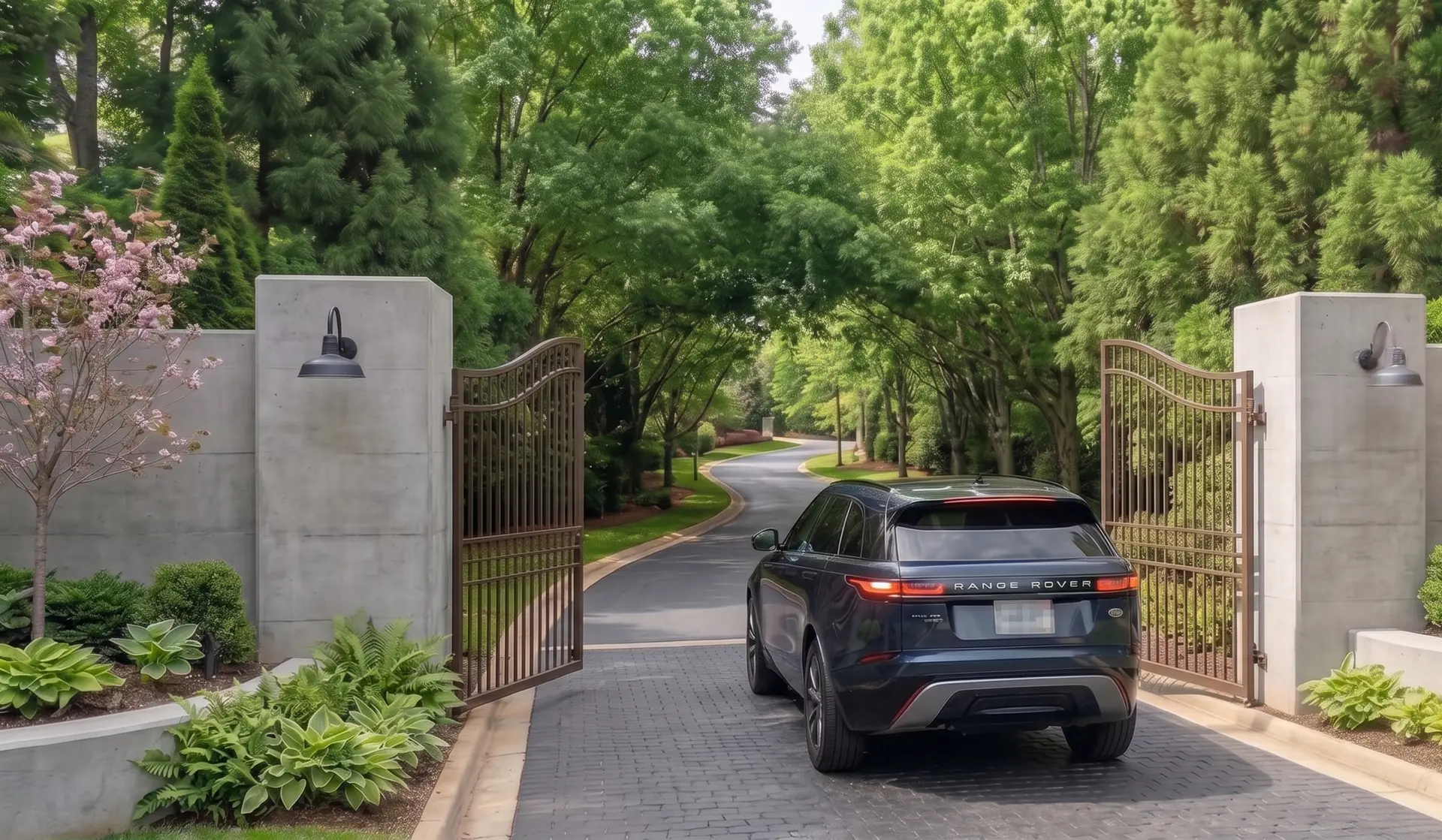
With Sentry Solo, residents use VirtualKey in the Gate Sentry app to open compatible entrances they're permitted to use.
Guests can use SoloPass or VirtualKeypad, depending on how the community has configured their access.
SoloPass gives invited guests a mobile pass they can open and tap to enter without downloading an app or entering a code.
VirtualKeypad allows guests and approved vendors to scan the SentrySign QR code and enter an assigned access code through their phone's browser.
Unexpected visitors can use Intercom to contact the household they're visiting.

Many communities have a combination of staffed and unmanned entrances.
For example, security may manage the main vehicle gate, while residents use mobile access at the back gate, pedestrian entrances, and amenities.
For more information, see Mobile Gate Access for Unmanned Gated Communities.
Access Control Looks Different by Property Type
Residential access needs also depend on the type of property.
HOAs and gated communities often focus on the main vehicle entrance, managing resident guest lists, and controlling vendor access.
Communities with staffed entrances also need an organized visitor check-in process.
See Gate Sentry for Gated Communities.
Apartment communities typically have more frequent resident turnover. Management needs to add and remove accounts as leases begin and end while also handling guests, deliveries, and common areas.
See Multifamily Access Control.
Condominium communities may have a combination of vehicle gates, lobby entrances, pedestrian doors, and shared amenities.
Different residents and visitors may need different access permissions.
See Condo Association Access Control.
Communities with short-term rentals have additional challenges because visitors and tenants change frequently.
For longer stays, Gate Sentry's Tenant feature allows administrators to set up a temporary tenant account while preserving the homeowner's original information.
When the tenant's access period ends, their account and the guest credentials issued through it expire, and the property returns to the homeowner's original setup.
See Short-Term Rental Gate Access.
What to Compare Before Choosing a System
A lot of access control systems look similar when you're reading their feature lists.
I'd pay more attention to how they handle routine situations.
Resident move-outs: How is someone's access removed? Does management have to collect credentials or contact a vendor?
Guest access: Does each guest have their own permission, or are people sharing the same code?
Vendor access: Can contractors be limited to particular entrances and working hours?
Visitor records: What information is recorded, and how easily can management find it later?
Existing equipment: Can the community keep its functioning gates and operators, or does the proposal require replacing them?
Resident adoption: How much training will residents need? Is there a web option as well as an app?
Implementation: Who prepares resident accounts, helps configure the entrances, and trains the people using the system?
I'd also ask vendors to show what happens when something goes wrong.
A smooth demonstration with one registered visitor is helpful, but the property also needs to handle people who aren't expected, missing credentials, and account changes.
For a longer vendor checklist, see 20 Questions Every HOA Should Ask About Visitor Management Software.
The Biggest Worry: Will Residents Actually Use It?
This is one of the most common concerns we hear when communities consider mobile access.
Some board members worry that older residents won't want to download an app or learn a new system.
Others are concerned about how many calls management will receive during the transition.
Those are reasonable questions.
We've spoken with communities where residents adapted quickly, as well as communities where a significant portion of households still weren't using the app after rollout.
A lot depends on how the transition is handled.
Residents need clear instructions, and property staff should be familiar with the system before homeowners begin using it.
It's also worth asking whether residents have access through a web portal and what alternatives are available for people who can't or don't want to use a smartphone.
When comparing vendors, ask how they measure resident adoption.
The percentage of registered accounts isn't necessarily the same as the percentage of residents actively using the software.
I'd want to know what training and support are available after installation, not just on the first day.
Why Many Communities Are Moving to Mobile Access
Physical credentials require ongoing management.

Fobs get lost. Remotes break. Codes get shared.
And when someone moves out, management has to make sure every relevant credential is deactivated.
Mobile access offers another approach.
Rather than issuing a separate physical credential for each compatible entrance, the community can associate access with an authorized account.
When a resident moves out, management can remove their supported permissions through the admin portal.
When a temporary guest's access period ends, their pass can expire.
The community can also set different access schedules for compatible entrances, which is useful for amenities and vendor service gates.
That doesn't mean mobile access is automatically the best solution for every property.
The existing equipment, resident population, and need for backup access methods should all be considered.
But for communities dealing with lost credentials and outdated permissions, it's an option worth evaluating.
Frequently Asked Questions
What is residential access control?
Residential access control includes the equipment, software, and rules used to manage access to gates, doors, and shared amenities at residential properties.
What are the main types of residential access control systems?
Common options include key fobs, access cards, gate codes, callboxes, license plate recognition, and mobile access. Many communities use a combination of methods.
What's the difference between access control at staffed and unmanned entrances?
At a staffed entrance, a security officer checks visitors and follows the property's authorization procedures. At an unmanned entrance, access is managed through approved credentials and configured permissions.
How quickly can a resident's access be removed?
With Gate Sentry and Sentry Solo, authorized administrators can update supported access permissions through the admin portal. The timing and steps depend on the property's configuration and the systems involved.
Can a community keep its existing gates?
Often, yes. Gate Sentry and Sentry Solo can work with compatible existing entrances. The equipment should be reviewed to determine whether additional components or changes are required.
Will older residents use a phone app for gate access?
Many do, but every community is different. Communities using Gate Sentry average 90% user adoption, while some boards tell us a share of residents still needed help after rollout. It helps to train staff first, give residents clear instructions, offer the web portal for managing guests, and plan a backup for anyone without a smartphone.
Compare Your Options With Us
If your community is reviewing residential access control systems, we can help you look at your current entrances, equipment, and access methods. We'll show you how Gate Sentry and Sentry Solo handle residents, guests, vendors, and visitor records, and explain which parts of your existing setup may be able to stay.
Schedule a Demo