
Airbnb and Short-Term Rental Gate Access in Gated Communities
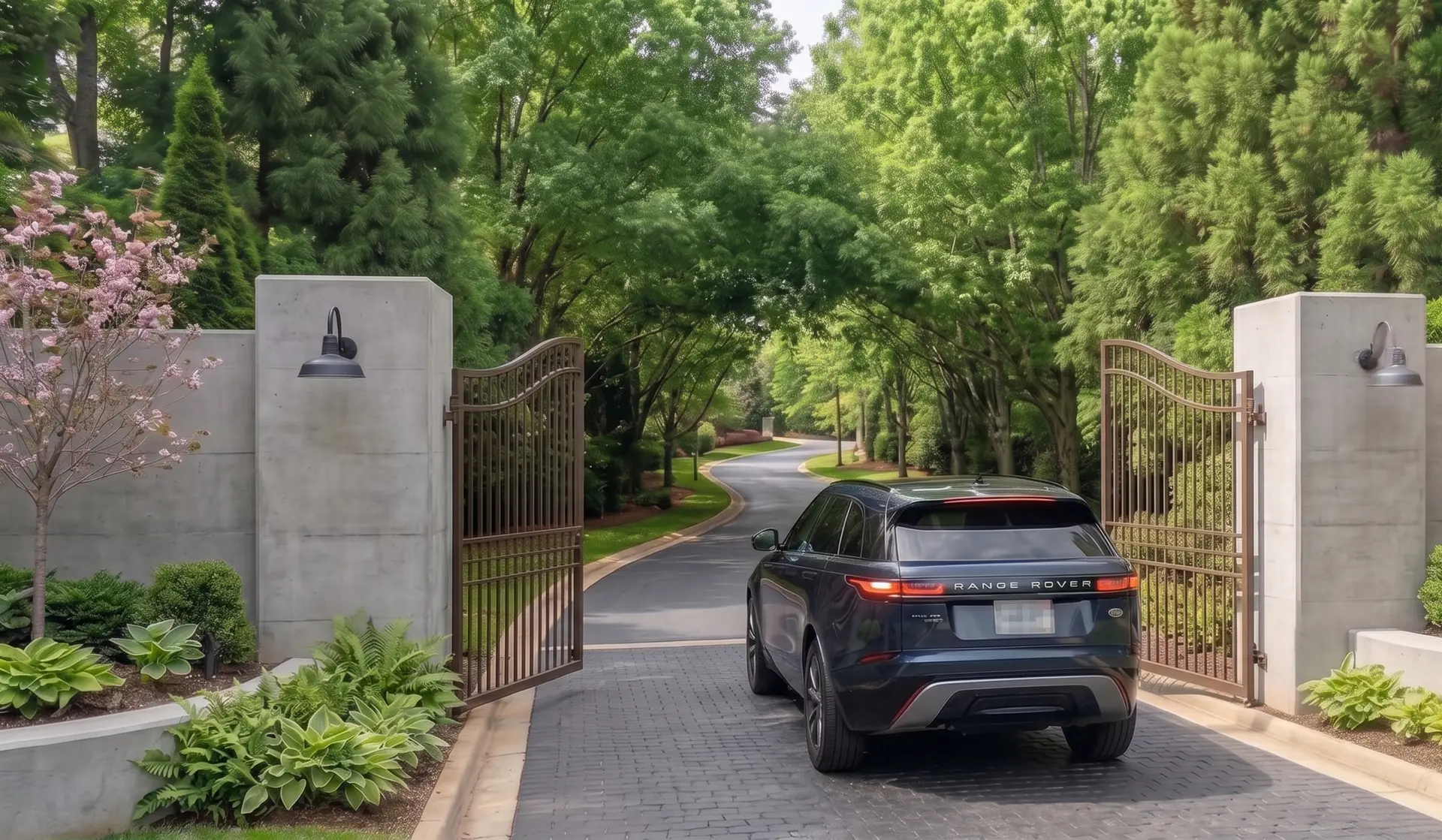
At one Florida resort community we spoke with, more than 90% of the homes are short-term rentals.
For that property, rental guests aren't an occasional part of gate traffic. They're most of it.
Other communities have told us about the steady flow of renters arriving throughout the week. One security company owner mentioned that the growth of short-term rentals was a major reason more communities were asking for additional security.
The concern isn't necessarily the renters themselves. It's whether the community knows which guests are authorized, which home they're visiting, and when their access should end.
When homes are being rented every few days, keeping track of that information can become a lot of work.
The Problem Isn't the Guests. It's Not Knowing Who They Are.
Most people renting a vacation home just want to get through the gate and enjoy their stay.
But that doesn't mean the HOA has their information.
We've spoken with property managers who told us owners regularly give renters their gate codes or physical fobs. In some cases, this happens at communities that don't even allow short-term rentals.
Other communities have 30-day minimum rental requirements but still deal with weekend Airbnb and Vrbo guests entering the property.
When an owner gives someone a working gate code or remote, it can be difficult for management to determine whether that person is a resident, an approved rental guest, or someone who shouldn't have access.
And if a code keeps working after the stay ends, the former guest may still be able to enter.
The HOA is left trying to figure out which home the person was visiting, whether the rental was permitted, and who to contact if there's a problem.
That's where better guest registration and access permissions can help.
Why Shared Gate Codes Create Problems for Rentals
Shared gate codes aren't necessarily a problem when they're managed properly. But using one code for every guest at a rental property is a different situation.
Think about how many people might receive that code over a few months.
Weekend renters, visiting family members, cleaning crews, maintenance contractors, and property managers may all have it.
The owner sends it in a welcome message. A guest saves it in their phone. Someone forwards it to another person.
Eventually, nobody knows exactly how many people have the code.
And when a guest checks out, the code may still work.
Management could change it, but then everyone else using that code needs the new one.
Some communities try to manage this with temporary printed passes or separate guest lists. Others leave it up to property managers to register renters manually.
Those approaches can work, but they become harder to maintain when rentals make up a large percentage of the community.
Giving visitors their own access credentials makes it easier to manage when their permission begins and ends.
Give Rental Guests Their Own Access
For unmanned entrances, Sentry Solo allows guests to use either SoloPass or VirtualKeypad, depending on how access is configured.
Both options let guests use their own phones instead of a traditional callbox or physical keypad.
SoloPass: Guest Access Without a Code
With SoloPass, a homeowner sends their rental guest an invitation by text or email.
The guest opens the link and completes the initial setup on their phone before arriving.
When they reach the gate, they open their pass and tap OPEN.
There's no app to download, account to create, or code to remember.
For short-term rentals, a few details make SoloPass particularly useful:
- Temporary access: The owner can give a guest access for an authorized period, so the pass expires when that period ends.
- Device-bound credentials: Once setup is complete, SoloPass is associated with the guest's phone. Forwarding the original invitation afterward doesn't automatically transfer a working pass to someone else's device.
- Property-specific records: The pass is associated with the home that authorized the visit, making it easier for management to review recorded guest access.
For example, an owner renting their home from Friday through Monday can send the guest a temporary SoloPass rather than sharing a permanent gate code.
When the authorized access period ends, the pass stops working.
VirtualKeypad: Another Option for Guests
Some communities prefer code-based guest access, and Sentry Solo supports that too.
With VirtualKeypad, the rental guest scans the SentrySign QR code at the entrance.
A digital keypad opens in their phone's browser, where they enter their assigned access code.
There's no physical keypad to use and no guest app to download.
The community can manage the credential according to its access settings and permissions.
Both SoloPass and VirtualKeypad are available for guests. The difference is how they use their credentials when they arrive.
At communities with staffed gates, guests can use SentryPass instead. The security officer scans the pass, reviews the registration, and follows the community's check-in procedures.
For a full look at how residents, guests, and vendors get in without a guard, see mobile gate access for unmanned gated communities.
Longer Stays: The Tenant Feature
Not every rental lasts a weekend.
Some people rent homes for several weeks or months, particularly in seasonal and resort communities.
Those renters may need to manage their own visitors while they're staying at the property. Having the homeowner add every guest on their behalf can become inconvenient.
Gate Sentry's Tenant feature makes this much easier.
An administrator can add a tenant through the Gate Sentry admin portal in about 30 seconds. Once the tenant is set up for their authorized rental period, they have their own account to manage guests during their stay.
There's no need to delete the homeowner's account or replace their information to make room for the renter.
Everything associated with the original homeowner is preserved while the tenant's access is active.
For example, imagine a homeowner rents their property for three months.
Management adds the tenant through the admin portal and sets their access period. During those three months, the tenant can add family members, friends, or other approved visitors without needing the homeowner's login.
When the rental period ends, the tenant's access automatically expires, along with the guest passes and credentials issued through that tenant account.
The property then reverts to the original homeowner's saved information and account setup.
Management doesn't have to rebuild the homeowner's profile, restore their information manually, or go through the tenant's guest list removing people one at a time.
For communities with frequent rental turnover, that's a major advantage. A temporary tenant can manage their own visitors without disrupting the homeowner's permanent account or leaving behind active guest permissions.
For more information, see our articles about managing renters and tenants and rental access in golf communities.
Cleaners and Turnover Crews
Rental properties also have a steady stream of service providers.
Cleaning companies come between stays. Maintenance contractors handle repairs. Someone may need to deliver supplies or prepare the home for the next guests.
Those people don't necessarily need the same access as the renters.
With Sentry Solo, approved vendors can use VirtualKeypad with their own assigned codes.
They scan the SentrySign QR code at the entrance and enter their code through the keypad in their phone's browser.
Their access can be managed separately from the rental guests.
Communities can also use Access Scheduler to set different access hours for guests and vendors at unmanned entrances.
For example, a cleaning company might only need access during the day, while rental guests have permission to use the main entrance during a different schedule.
If the cleaning company stops servicing the property, its assigned access can be removed without changing everyone else's credentials.
That gives the community a better way to manage the people who regularly come and go between rental stays.
Owners With More Than One Rental
Some owners manage several rental homes, sometimes within the same gated community.
That can create another problem when each property requires a different login.
An owner may need to add guests to one home, arrange a cleaning company at another, and check the visitor list for a third.
With Multi-Property Accounts, owners can manage their associated homes through one login.
They switch between properties in the Gate Sentry app or web portal without signing out.
Each home still keeps its own guest lists and vendor permissions.
So a guest approved for one rental isn't automatically approved for another just because the same person owns both properties.
It removes the inconvenience of managing several accounts while keeping the access information separate.
When a Guest Arrives Without a Pass
Even with guest registration, people will occasionally arrive without having their access ready.
Maybe the owner forgot to send the invitation. Maybe the guest didn't complete their SoloPass setup before leaving home.
At compatible unmanned entrances, Sentry Solo's Intercom gives visitors another way to request entry.
They scan the SentrySign QR code and search for the home they're visiting by address.
They don't see the resident's name or personal phone number.
The system contacts the household, and an authorized person can approve the visitor according to the community's configuration.
If the first household contact doesn't answer, the Security Call List can move the call to the next designated contact.
That doesn't mean every unexpected visitor should be allowed inside. The homeowner or authorized contact still needs to make the decision.
But it provides an option when someone arrives without an approved pass or code.
Who Handles All These Guest Registrations?
At the Florida resort community where more than 90% of the homes are rentals, one of the first questions was who would be responsible for setting everything up.
It's a reasonable concern.
If management has to create a new guest registration every time someone books a weekend stay, that's a lot of additional work.
Gate Sentry allows homeowners to manage their own approved guests and vendors.
For longer rentals, management can add a tenant through the admin portal in approximately 30 seconds. That tenant can then manage their own guests for the duration of their stay.
When their access expires, the system ends the permissions associated with their tenant account and returns the property to the homeowner's original setup.
Management still handles the community's rules, account permissions, and administrative oversight, but it doesn't have to maintain every rental guest list manually.
During implementation, the Gate Sentry team helps configure the community's accounts and access settings, works with existing resident information, and provides training for administrators and residents.
There will still be exceptions and account questions that need attention. But routine rental access doesn't have to be another time-consuming task for the property manager.
What HOA Boards Should Decide First
Software can make rental access easier to manage, but it can't decide the HOA's rental policies.
Before changing how guests enter the community, the board and management should agree on the rules.
Are short-term rentals permitted?
Is there a minimum rental period?
Who is responsible for registering guests?
Should renters have their own accounts, or should access remain managed by the homeowner?
And what happens when someone repeatedly violates the community's rental restrictions?
Those decisions matter because the access system needs to reflect the rules the community has actually adopted.
Gate Sentry includes administrative tools such as Account Restrictions and the property-wide Ban List.
Administrators can use supported account restrictions to limit access through designated entrances, while the Ban List can prevent a banned guest from using associated SoloPass and VirtualKeypad credentials.
These features give management ways to enforce approved access policies. They don't guarantee that someone can't enter using another person's credentials or following a vehicle through an open gate.
The HOA still needs to decide when restrictions are appropriate and how they're administered.
Accountability Without Making Arrival Harder
Communities with a lot of short-term rentals face a different access challenge from communities where nearly everyone lives there year-round.
Guests change frequently, owners may live somewhere else, and service providers come and go between stays.
The community needs to know which property authorized a guest and when that authorization should end.
It also needs a process that doesn't leave legitimate renters sitting outside the gate trying to contact someone.
Individual guest credentials, temporary access periods, and separate tenant accounts help with both.
With SoloPass or VirtualKeypad, guests can use their phones to enter approved unmanned entrances. At staffed gates, security officers can review registrations and check visitors in through Gate Sentry.
And when a tenant's authorized period ends, their access and the passes issued through their account expire, while the homeowner's original information remains intact.
The community still needs good rental policies and consistent administration, but it has a more practical way to manage the constant turnover.
Frequently Asked Questions
How do Airbnb and short-term rental guests get through a gated community entrance?
At unmanned entrances using Sentry Solo, guests can use SoloPass or VirtualKeypad, depending on their assigned access. At staffed Gate Sentry entrances, guests can use SentryPass for security officer check-in.
How long does it take to add a tenant in Gate Sentry?
For a straightforward setup, an administrator can add a tenant through the Gate Sentry admin portal in approximately 30 seconds.
What happens to the homeowner's account when a tenant is added?
The homeowner's original information and account setup are preserved. The tenant receives their own access for the authorized rental period, without permanently replacing the homeowner's information.
What happens when a tenant's account expires?
The tenant's access ends automatically, along with the guest passes and credentials issued through that tenant account. The property reverts to the homeowner's original information and setup, without management having to recreate the homeowner's account.
Can tenants add their own guests?
Yes. Gate Sentry's Tenant feature allows tenants to manage approved guests during the period their account is active.
Can a rental guest's gate access expire automatically?
Yes. Temporary SoloPass access expires at the end of its authorized period. Other guest credentials can be managed according to the property's configured access permissions.
How do cleaning companies get into a gated rental community?
Approved vendors can use assigned VirtualKeypad credentials at compatible Sentry Solo entrances. Communities can also use Access Scheduler to control when vendor access is permitted.
Can an owner manage several rental homes from one account?
Yes. Multi-Property Accounts allows owners to switch between associated homes through one login while keeping each home's guest and vendor information separate.
Can Gate Sentry identify everyone currently inside a gated community?
No. Gate Sentry records visitor check-ins and supported access activity, but those records don't independently establish every person's physical presence or departure.
See How Rental Guest Access Works
If short-term rentals make up a large part of your community's visitor traffic, we can show you how Gate Sentry handles guest invitations, tenant accounts, vendor access, and rental turnover. We'll also demonstrate how quickly administrators can add a tenant, what happens when their access expires, and how the homeowner's original information is preserved.
Schedule a Demo